Where supplement stores lose the sale
We went through ten supplement and wellness stores on a phone, the way a first-time buyer shops. The same eight leaks came up again and again. Here’s what each one looks like, why it costs sales, and how to fix it on Shopify.
This month we audited ten supplement and wellness stores on Shopify. We didn’t run a tool over them. We opened each one on a phone and tried to buy, the way someone who just tapped an Instagram ad would.
They were good brands: real products, real reviews and founders who clearly care. And most of them were losing sales in the same places. Not in the ads, and not because of the design, but in small gaps between what one page promises and what the shopper finds next.
None of the fixes below needs a redesign or a new app. Each one is a change to a setting, a page, a link or an email, and each comes with a quick test you can run on your own store today.
Leak 1Product pageFix: 30 minutes
Two delivery promises on one page
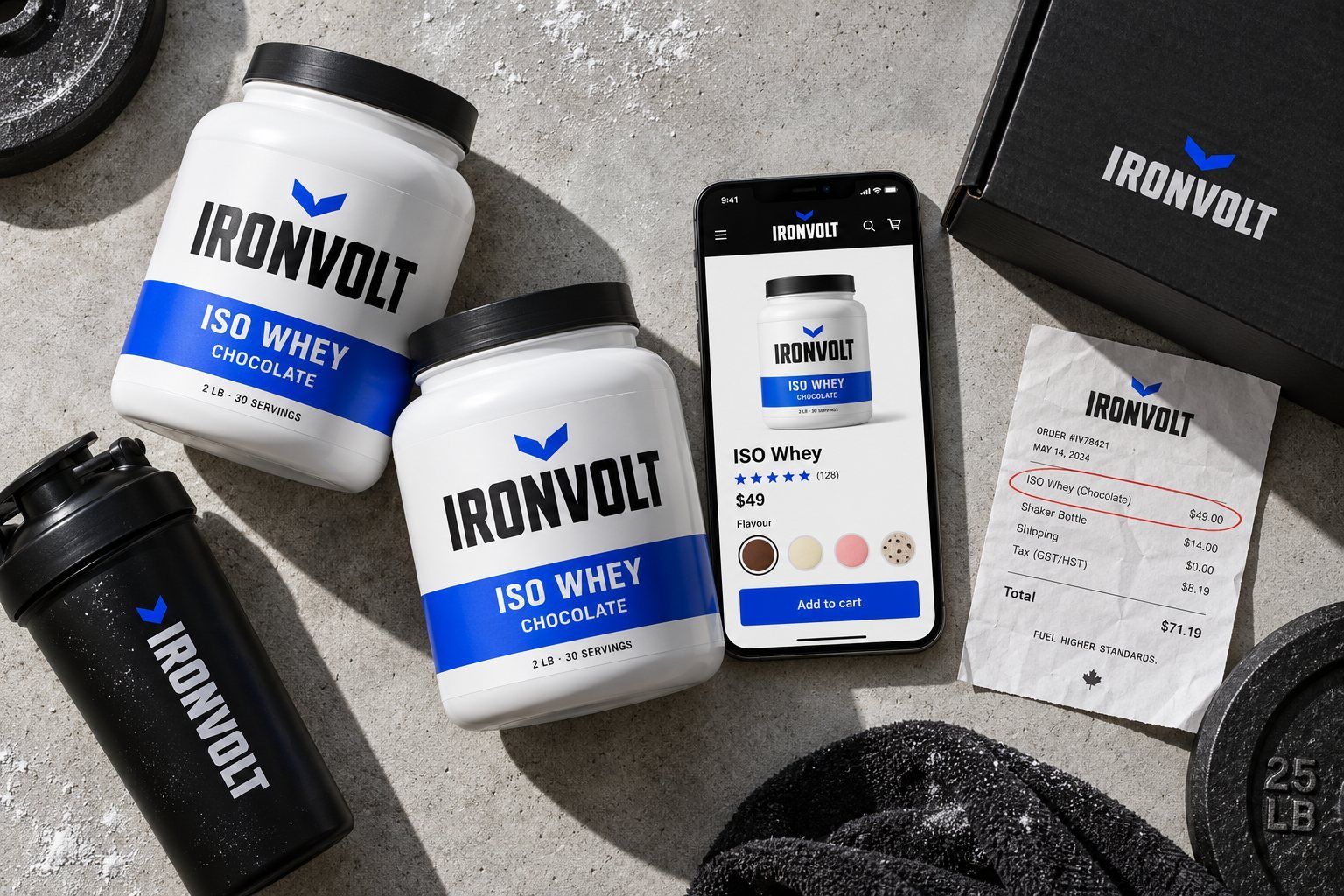
The banner at the top says free shipping on every order. Under the Add to cart button, the same page says free shipping over a threshold that one tub doesn’t reach. The shopper now has two answers to the one question they care about at that moment: what will this cost me in total?
Why it costs sales
Unexpected extra costs, shipping above all, are the reason shoppers give most often for leaving a checkout in Baymard Institute’s long-running checkout research. A contradiction is worse than a surprise: the shopper starts to wonder what else on the page isn’t true.
It almost always happens by accident. A promotion ends, someone changes the shipping rate in settings, and the banner, a product description and a free-shipping bar app each keep their own copy of the old rule.
How to fix it
Decide the real rule first, in Settings → Shipping and delivery. That’s the one checkout will charge.
Update the announcement bar to match, in Online Store → Themes → Customize.
Search for old copies. Look through product descriptions and theme text for “free shipping” and “ships free”.
Match any cart app. If an app shows a free-shipping progress bar, set its threshold to the same number.
Say it once, under the price: “Free shipping over $75. You’re $26 away.”
Check yours: Add one product to the cart on your phone and go to the last step before payment. The shipping line should be exactly what the banner promised.
Leak 2HomepageFix: 20 minutes
A “Shop now” that lands on Sold out
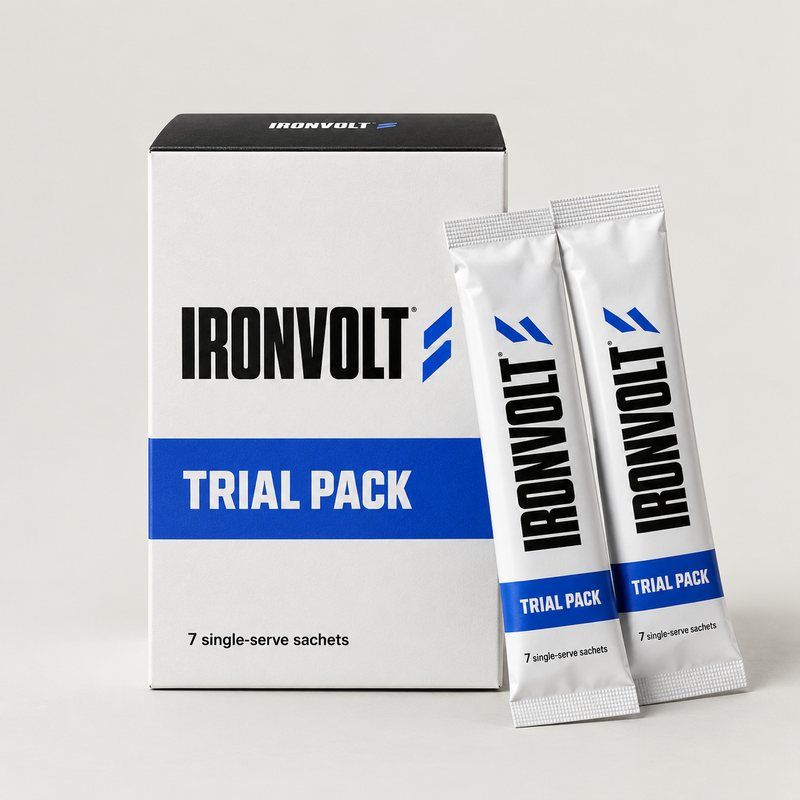
The homepage sends people to a trial pack, and the trial pack is sold out. A starter bundle that suits the same buyer is on the same site, but nothing points to it. The shopper who was ready to try the brand meets a grey button and leaves.
Why it costs sales
Homepage features are set once and forgotten, while stock changes every week. The most-clicked button on the store ends up pointing at the one thing nobody can buy, often while ads are still paying to send people there.
How to fix it
Swap the feature. When a featured product sells out, point the homepage block at something in stock.
Turn the sold-out page into a bridge: “The trial pack is back on November 12. Most people start with the Starter Bundle instead,” with a button to it.
Catch the people who wanted it. Klaviyo’s Back in Stock flow emails them the day it returns.
Set a low-stock alert for anything your homepage or your ads point to.
Check yours: Click every product your homepage and your running ads point to. Each one should be buyable today.
Leak 3NavigationFix: 10 minutes a month
A link that still points to a draft
One homepage button went to an address ending in -draft and opened “Page not found”. The page had been republished under a new address, but the button still pointed at the old one.
Why it costs sales
You can’t see this from the admin, where the button looks fine. Every shopper who taps it sees the error, and on a phone most of them don’t go back to look for another way in.
How to fix it
Tap everything, monthly. Open the store on your phone and tap every link on the homepage, in the menu and in the footer.
Fix links where they live: menus in Online Store → Navigation, section buttons in the theme editor.
Redirect old addresses. When a page or product changes address, add a URL redirect from the old one (search “URL redirects” in your Shopify admin).
Let Google tell you. If the store is in Google Search Console, its Pages report lists every address Google found returning “Not found (404)”.
Check yours: Ten minutes, once a month, on a phone. Put it in the calendar now.
Leak 4BundlesFix: 1 hour
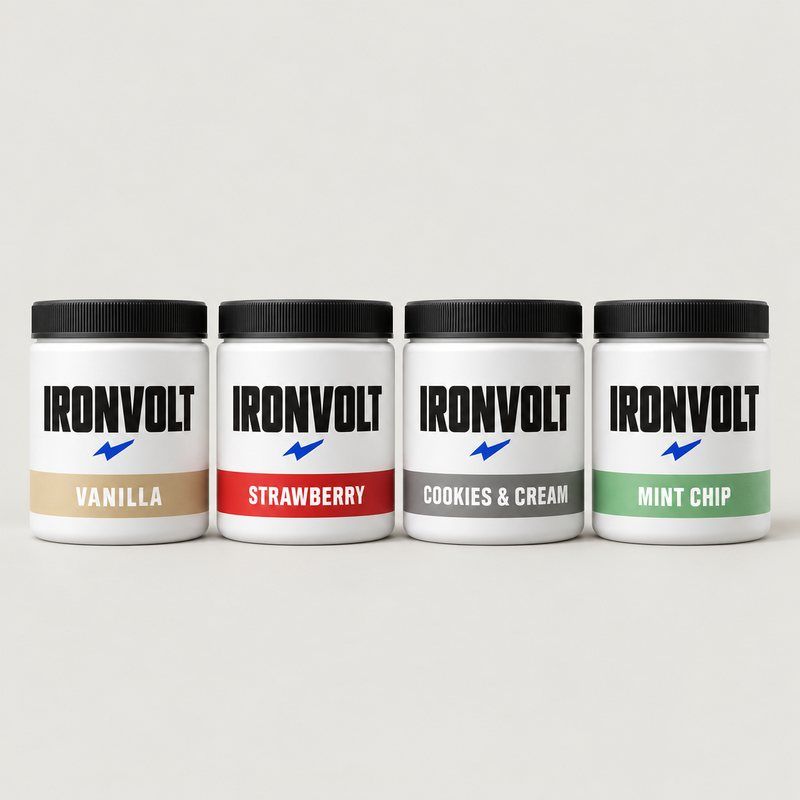
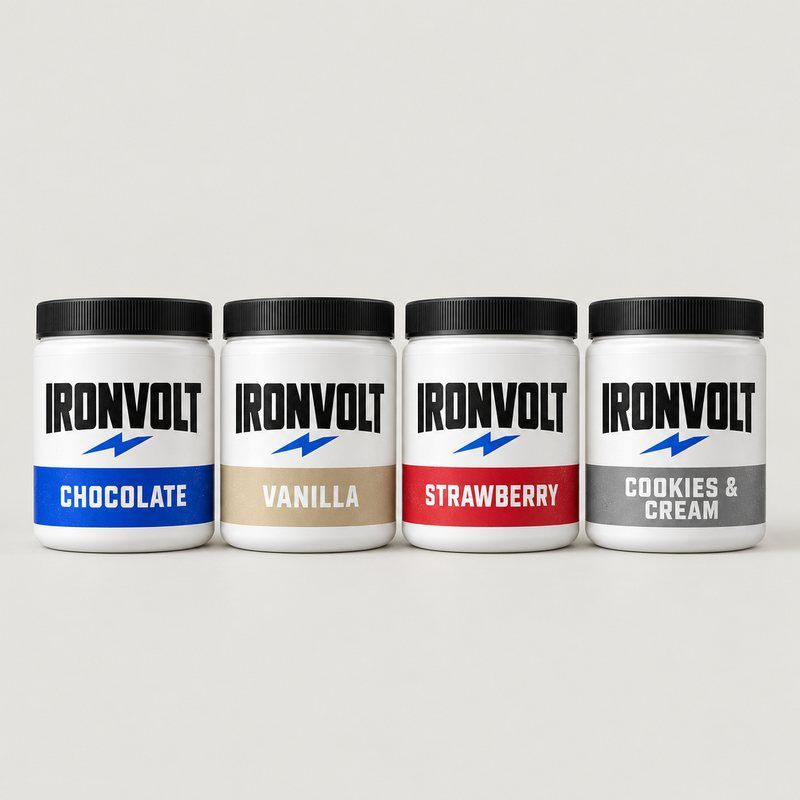
The sample pack leaves out the best seller
A sample pack held four flavours, and the flavour with thousands of reviews wasn’t one of them. The reviews on the sample pack itself asked for more flavours: buyers telling the brand, in public, that the pack doesn’t do its job.
Why it costs sales
A sample pack exists to turn a curious buyer into a regular one. If it leaves out the flavour most regulars buy, the person who would have loved it never tries it, and the second order goes somewhere else.
How to fix it
Put the best seller in. Even if it means dropping a slower flavour.
Point to the full size. A card in the box or a line on the page: “Liked one? Here’s the full tub.”
Ask which one they liked. Email sample buyers a week after delivery with one button per flavour, each going to its full-size product.
Check yours: Compare the flavours in your sample with your top three sellers by orders. Most of them should overlap.
Leak 5Product pageFix: 1–2 hours
Totals where the buyer thinks in months
Take a typical set of options: one-time at $45, subscribe at $40.50, or a 3-month supply at $114. The 3-month supply is the cheapest per month, at $38, but the page shows only its total, so it reads as the most expensive choice on the screen.
Why it costs sales
People buying something they take every day think in cost per month. Asking them to do division on a phone asks them to stop and think, and the bigger number usually loses.
How to fix it
Show a monthly price (or a price per serving) under every option: “$38 a month”.
Mark the best value with the saving in dollars, not a percentage: “Save $21”.
Check the app first. If a subscription app draws the options, its settings may already offer a per-delivery or per-unit price.
Check yours: Can a shopper see which option is cheapest per month without doing any maths?
Leak 6Product pageFix: 1 hour
Too many choices, no summary
Flavour, size, one-time or subscribe, delivery frequency, plus a free gift. Five decisions spread down a long phone screen. By the time the shopper reaches Add to cart, everything they picked has scrolled out of sight.
Why it costs sales
Shoppers who can’t see what they picked scroll back up to check, which is where many of them drift off, or they add the wrong thing and turn into a refund or a support email.
How to fix it
Add one plain line right above the button that repeats the choices and the total: “2 tubs · Chocolate · every 4 weeks · $78”.
Keep it live. Update the line every time an option changes.
Use the same words in the cart so nothing changes between the page and checkout.
Check yours: Pick options on your phone and scroll to the button. Can you see everything you chose and what it costs?
Leak 7EmailFix: 2 hours, once
No reminder when the tub runs low
A tub lasts 30 days. Nothing reaches the customer around day 25: no reorder email, no nudge to subscribe. They run out, get busy, and either forget or pick something up at the pharmacy.
Why it costs sales
For a consumable product, the second order is where the profit is. A reminder timed to the supply reaches people at the exact moment they need more, which is why it’s often one of the best-earning emails a supplement brand sends.
How to fix it
Start a flow in Klaviyo triggered by Placed Order.
Time it to the supply: the supply length minus five days. For a 30-day tub, wait 25 days.
Filter it. Send only to people who haven’t ordered again since the flow started, and leave out active subscribers.
Keep it short: the product they bought, “Running low?”, the one-time and subscription prices, and one button.
Branch by size. If you sell 30- and 90-day supplies, give each its own timing.
Check yours: Look at your Klaviyo flows. Is anything timed to when your customers run out?
Leak 8GuidesFix: 30 minutes per guide
A great guide that doesn’t lead to the product
One brand had written a genuinely helpful guide to choosing between its products. By the end, the reader knew exactly which one suited them, and then the page simply ended. The matching starter pack was on another page, below the fold.
Why it costs sales
A reader who finishes a buying guide is as ready to buy as anyone on your site. If the next step isn’t right there, the guide has done the selling and let them leave.
How to fix it
End every guide with the product it recommends, as a card: photo, what’s in the box, price and an Add to cart button.
One card per answer. If the guide recommends different products for different people, put each card under its answer.
Link both ways. On the product page: “Not sure which one? Read our guide.”
Check yours: Open your three most-read guides or posts. Does each one end with something to buy?
None of these is a traffic problem
Every store we looked at had already paid to bring people in, through ads, email, influencers and word of mouth. The sales were lost in the last few seconds of the visit, in the gap between what one page promised and what the next one delivered.
That’s good news. Closing those gaps doesn’t need a bigger ad budget, a redesign or another app. It needs someone to go through the store the way a buyer does and fix what they trip over.
Koala Studios helps consumer brands with their Shopify store, Klaviyo email and Meta and Google ads, from Toronto.
All journal posts